'Unsign Profile' - A Small, Stumbling Step into the World of Shortcuts
Introduction
I’ve long had a python script, sign_profile.py, to hand for signing a configuration profile (.mobileconfig file) for uploading to a Jamf Pro server, which I also used for removing the signature on a profile downloaded from Jamf Pro.
However, for the simple task of “unsigning” a downloaded profile, this requires navigating to the location of the script, and remembering the syntax (the --unsign parameter). I wanted something more efficient; ideally, just right-clicking on the downloaded file and clicking “Unsign”.
Trying out Shortcuts
I’ve briefly played with Shortcuts in the past and mostly given up when I failed to get a simple task to work. But I thought I’d give it another go. I figured that Shortcuts can run basic Shell scripts, so first of all, I created a new, simpler script with the sole job of unsigning a mobileconfig file (see unsign-profile.sh).
In this script, the unsigned file replaces the signed original, renaming the original to end with -signed.mobileconfig as a backup.
Next, the simple task of creating a Shortcut to run the script. Right?
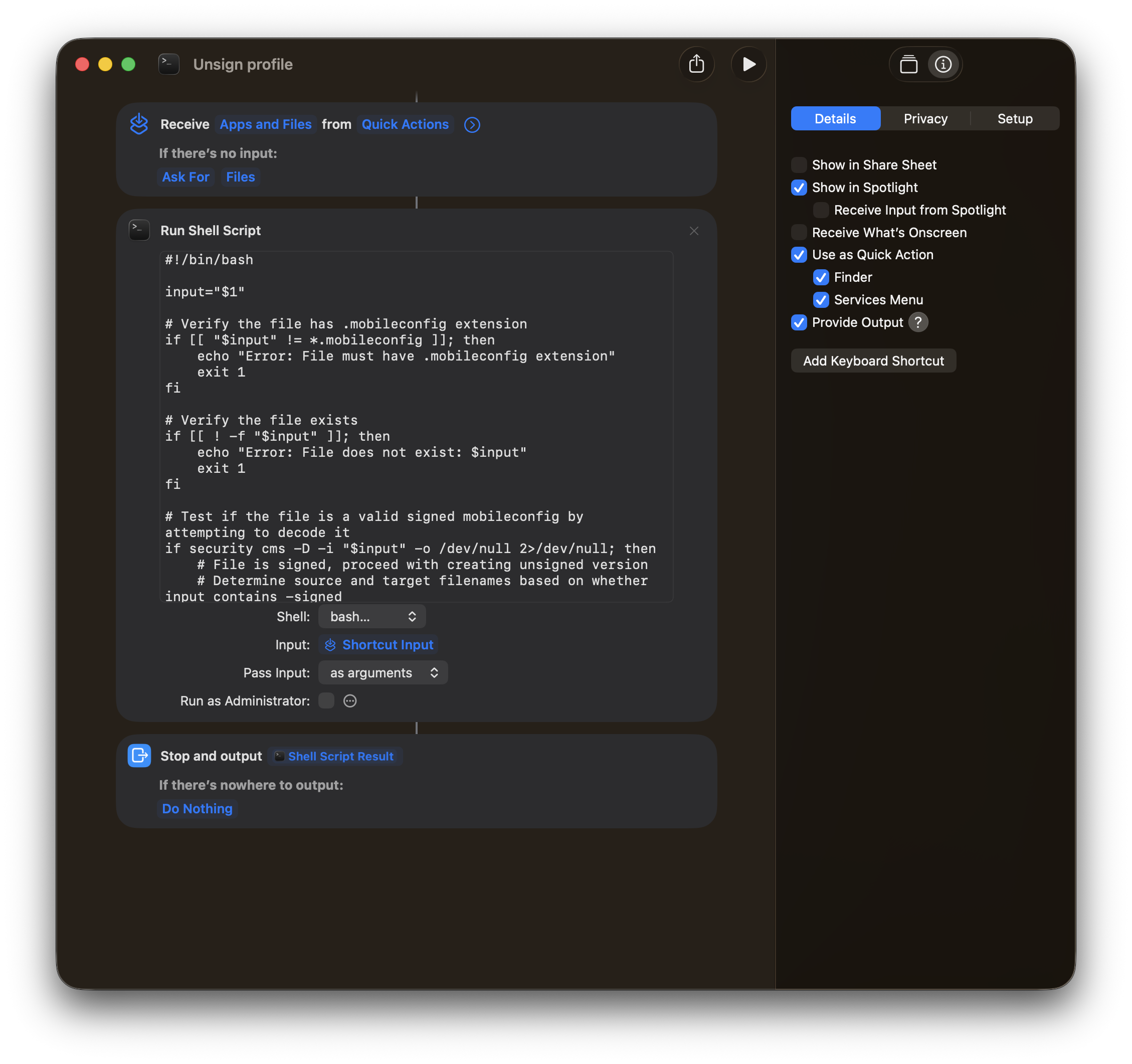
In short:
- In the
Detailssection, enableUse As Quick Actionand checkFinder - Create a
Receive Apps & Files from Quick Actionsaction. For testing or for use in the Menu Bar, add the option to Ask for Files if no input - Copy the contents of the
unsign-profile.shscript into aRun Shell Scriptaction - As a final step, add a
Stop And Outputstep to output the Shell Script Result.
Running this from within the Shortcuts app worked first time.
Full Metal Access
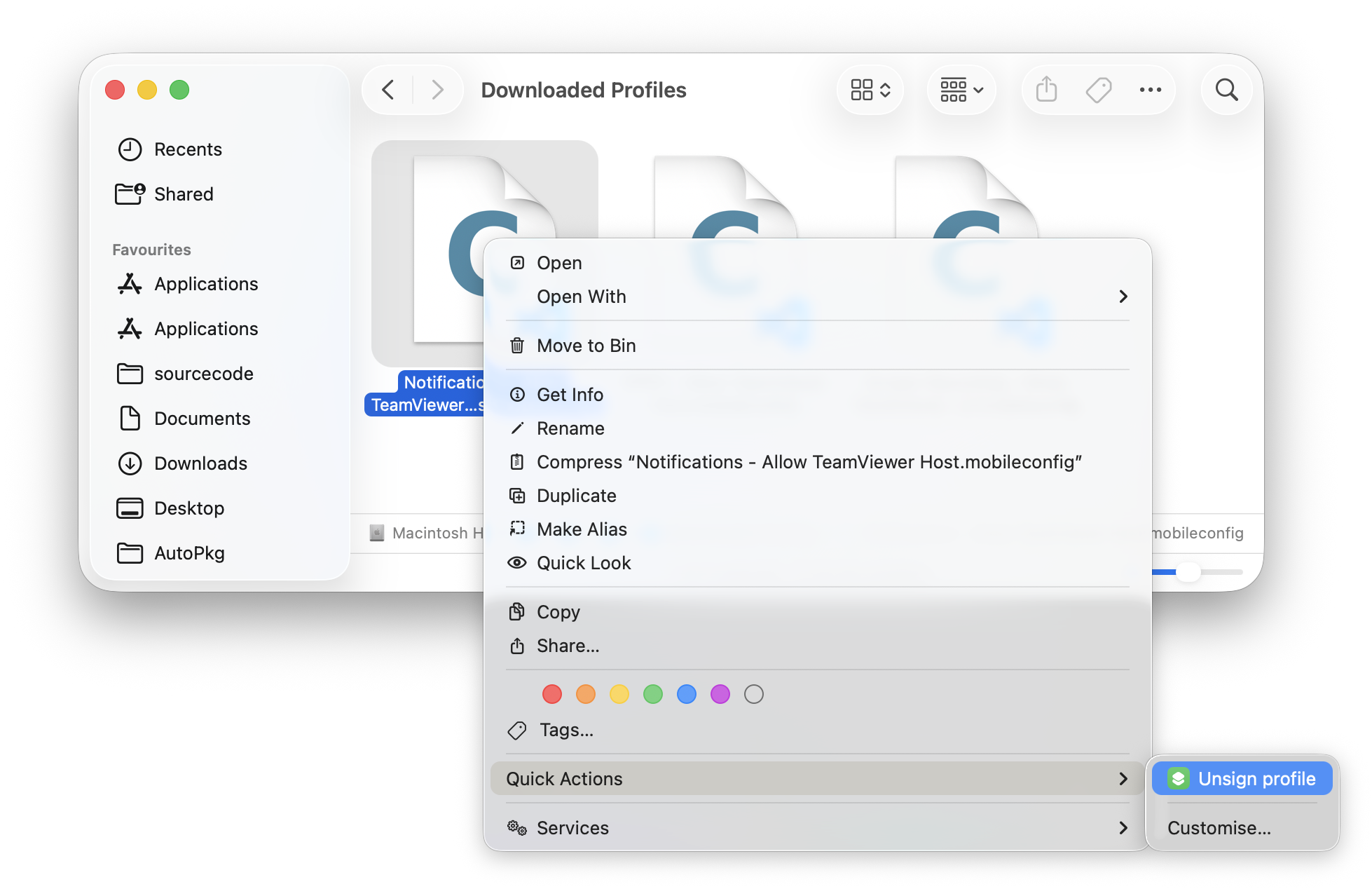
However, running the Shortcut from right-click was giving me an unspecified error as a notification.
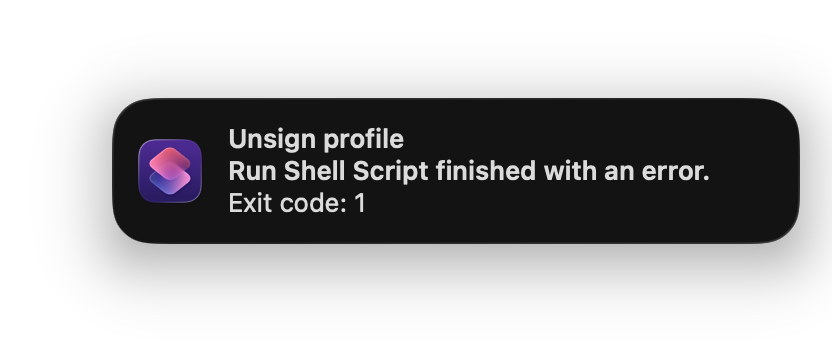
At a loss, given the lack of usefulness of the error message, I naturally went to the Mac Admins Slack, found and joined the #shortcuts channel, and asked.
Damian Cavanagh (@d.cav) stepped in, kindly offering to take a look. A short time later, Damian found that you need to give Finder Full Disk Access for the Shortcut to function! Thanks so much Damian!
As soon as I granted that access, the shortcut worked. A new file is created, adopting the name of the original signed profile, a backup is made of the signed original, and a stdout.txt file shows the log.
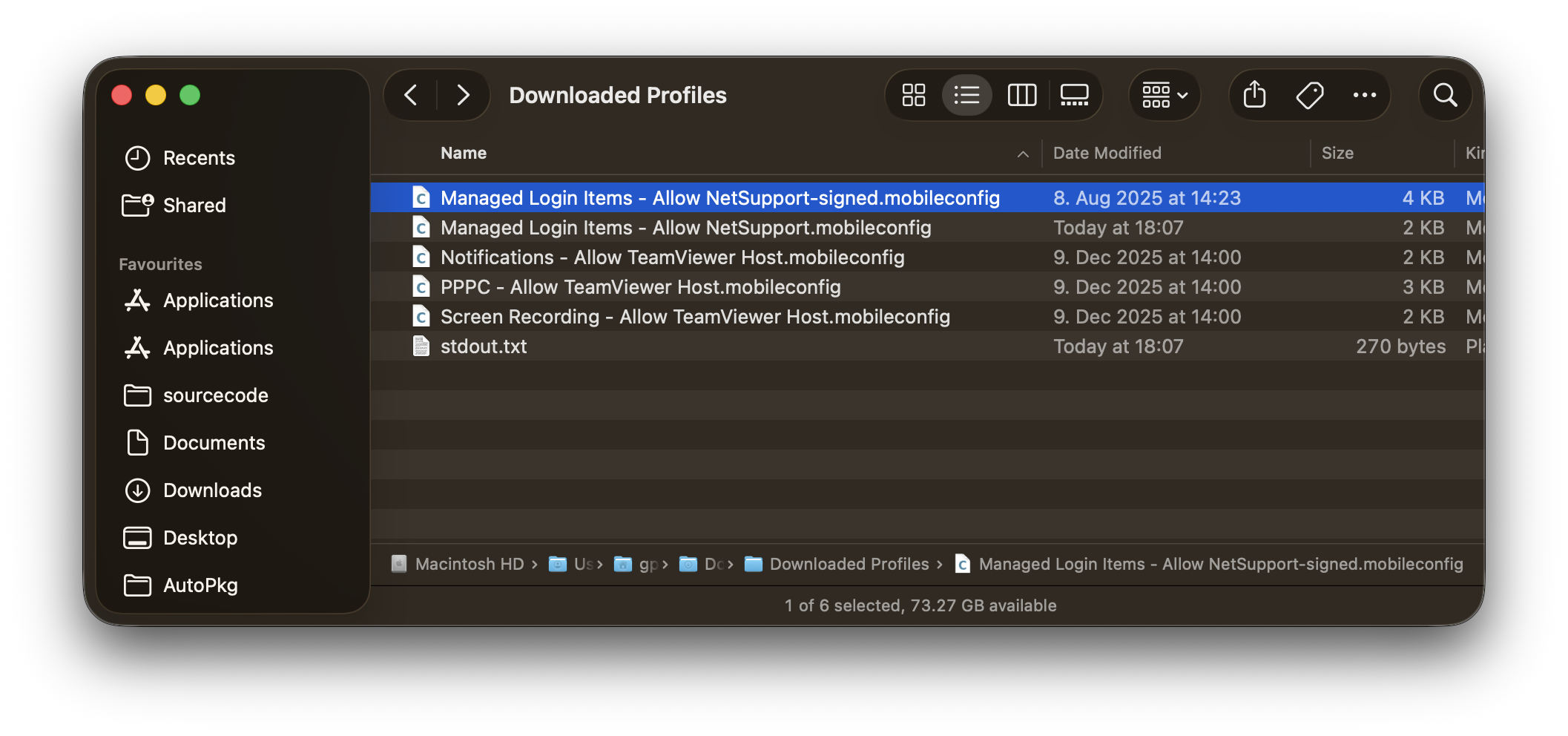
Weird that Finder needs full disk access to do something in Finder, but I guess that’s the parent process… Note that Shortcuts does not need Full Disk Access to act on the same file.
Conclusion
The lack of debugging available made this first foray into Shortcuts a bit hit and miss, but I do at least have a working, fast way of unsigning the profile.
I believe you can try it yourself with this iCloud link to the Unsign Profile Shortcut. Good luck 😉
Better still, to get a much more professional and useful introduction into the use of Shortcuts than the nonsense above, go to the Mac Admins UK Conference in Brighton on April 22 this year, where Damian will be presenting on “Admin Shortcuts in Action”!