Suppress premium features in Apple's Keynote, Numbers, and Pages apps on macOS
Introduction
Apple introduced new versions of the former iWork apps Keynote, Numbers, and Pages, in January 2026. These are really the iPad versions of the apps, now made available for installation on macOS too. The apps have a different Bundle ID to the legacy versions, too. This means they will install alongside of the legacy versions.
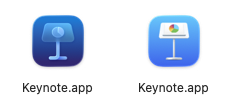
In Apple Business and Apple School Manager, the apps appear with a new name including promotional description. The legacy versions have been removed for purchase.
| App Name | New Apps & Books Name | Old Bundle ID | New Bundle ID |
|---|---|---|---|
| Keynote | Keynote: Design Presentations | com.apple.iWork.Keynote |
com.apple.Keynote |
| Numbers | Numbers: Make Spreadsheets | com.apple.iWork.Numbers |
com.apple.Numbers |
| Pages | Pages: Create Documents | com.apple.iWork.Pages |
com.apple.Pages |
If you haven’t already, you will need to purchase volume licenses for these new apps for your fleet, and uninstall the old versions. In the meantime, you can suppress the upgrade prompts when users launch the legacy apps, as described by my colleague Neil Martin in his blog post Suppress the upgrade dialog for Keynote, Numbers and Pages (1).
If you use Jamf Pro, you also have to jump through some hoops to deploy them to Mac, since they are listed as iOS apps. for more information on how to achieve this, see my previous blog post Deploying Mobile Device Apps to Apple Silicon Macs with Jamf Pro (2).
Premium Features - but not for you
The new versions of Keynote, Numbers, and Pages are part of the newwly branded Apple Creator Studio (3) suite of applications, which also includes new versions of Freeform, Final Cut Pro, Pixelmator Pro, Logic Pro, Motion, Compressor, and MainStage. This is a new subscription service, although you can still use Keynote, Numbers, Pages, and Freeform without subscribing.
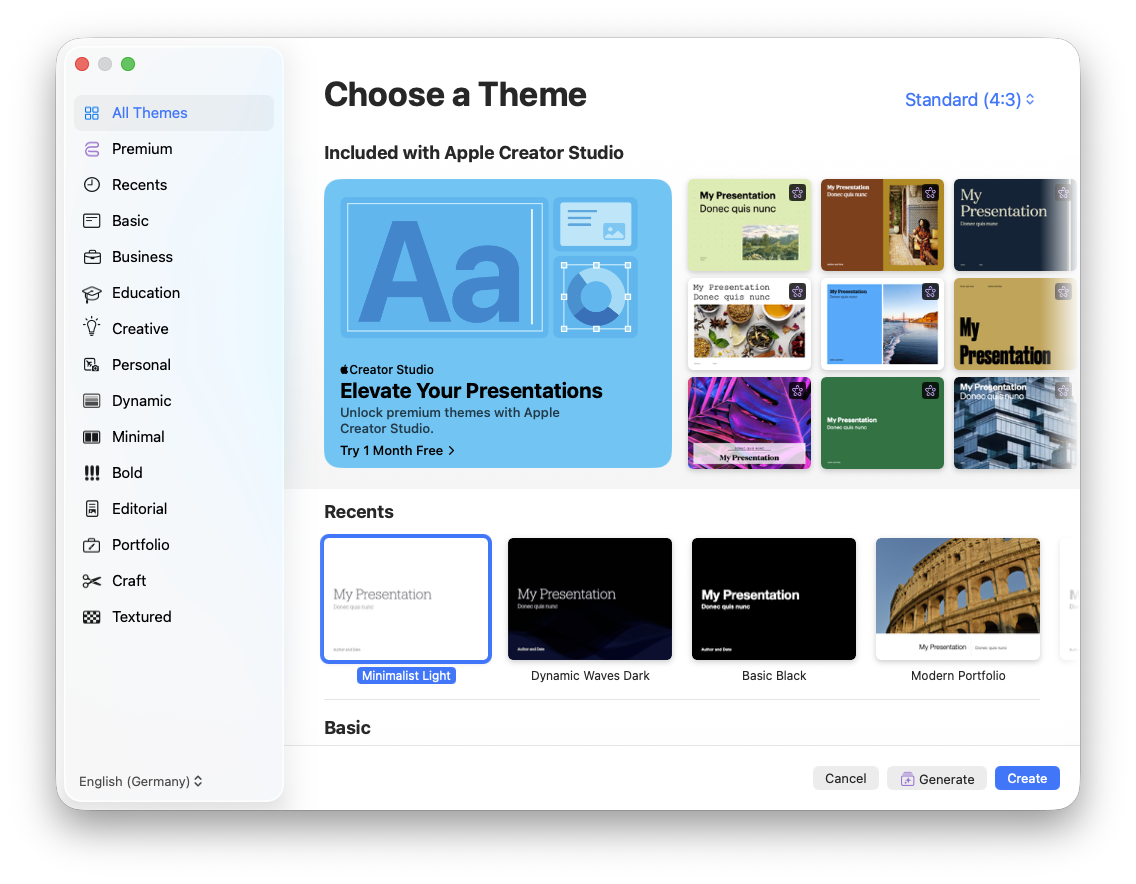
Keynote, Numbers, Pages, and Freeform include “premium” features that are only available for subscribers to Apple Creator Studio. These are featured prominently in the menus and tabs of these apps, for example when creating a new deck in Keynote you are shown premium templates at the top of the display. Largely, they utilise AI features powered by OpenAI.
In the main window, premium-only features are also prominent in the functional buttons.
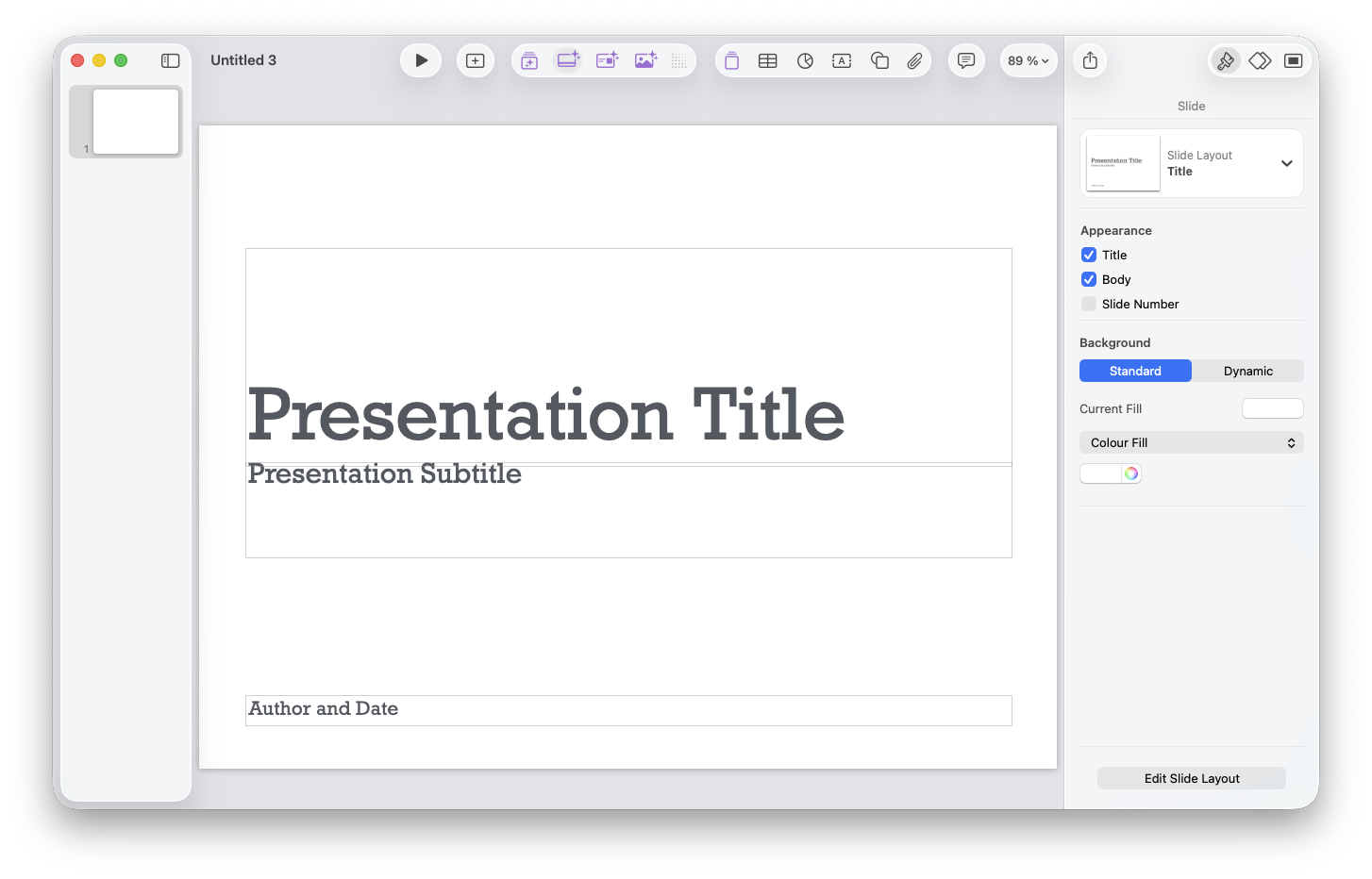
Apple’s Volume Purchasing system for Apps & Books in Apple Business and Apple School Manager does not include any functionality for purchasing subscriptions. So, all these prominent features are unavailable to users with Managed Apple Accounts and where the apps are deployed via MDM. This can lead to confusion and frustration of users of these apps.
Incidentally, the legacy versions of the paid apps such as Final Cut Pro, which had a single upfront purchase price (including bulk VPP discount), are still available for the time being, presumably because people may have paid large amounts up to the day before the announcment of the replacement apps and subscription service. It’s not clear how/when this will change.
Suppressing the premium features
Since the new apps are iOS apps made available to macOS, they are configurable using AppConfig. For users of Jamf Pro and many other device management services, it’s not possible to provide AppConfig for macOS apps.
However, Apple’s documentation states that a Managed Preference can be used on macOS to “suppress the subscription prompts in situations where a Personal Apple Account is used” (4). By “Managed Preference”, we are talking about MCX-style mangaed preference configuration profiles.
For Jamf Pro, this means we can upload a Custom Settings payload for each app’s preference domain, e.g. com.apple.Pages. That payload would look like this - the same for each app:
<?xml version="1.0" encoding="UTF-8"?>
<!DOCTYPE plist PUBLIC "-//Apple//DTD PLIST 1.0//EN" "http://www.apple.com/DTDs/PropertyList-1.0.dtd">
<plist version="1.0">
  <dict>
    <key>suppressPrompts</key>
    <true/>
  </dict>
</plist>
For AutoPkg / JamfUploader users, I’ve prepared an example recipe for suppressing the prompts for Keynote, Numbers, and Pages (I didn’t try Freeform) AppleiWorkPrompts-profile.jamf (5).
What effect does this have in practice?
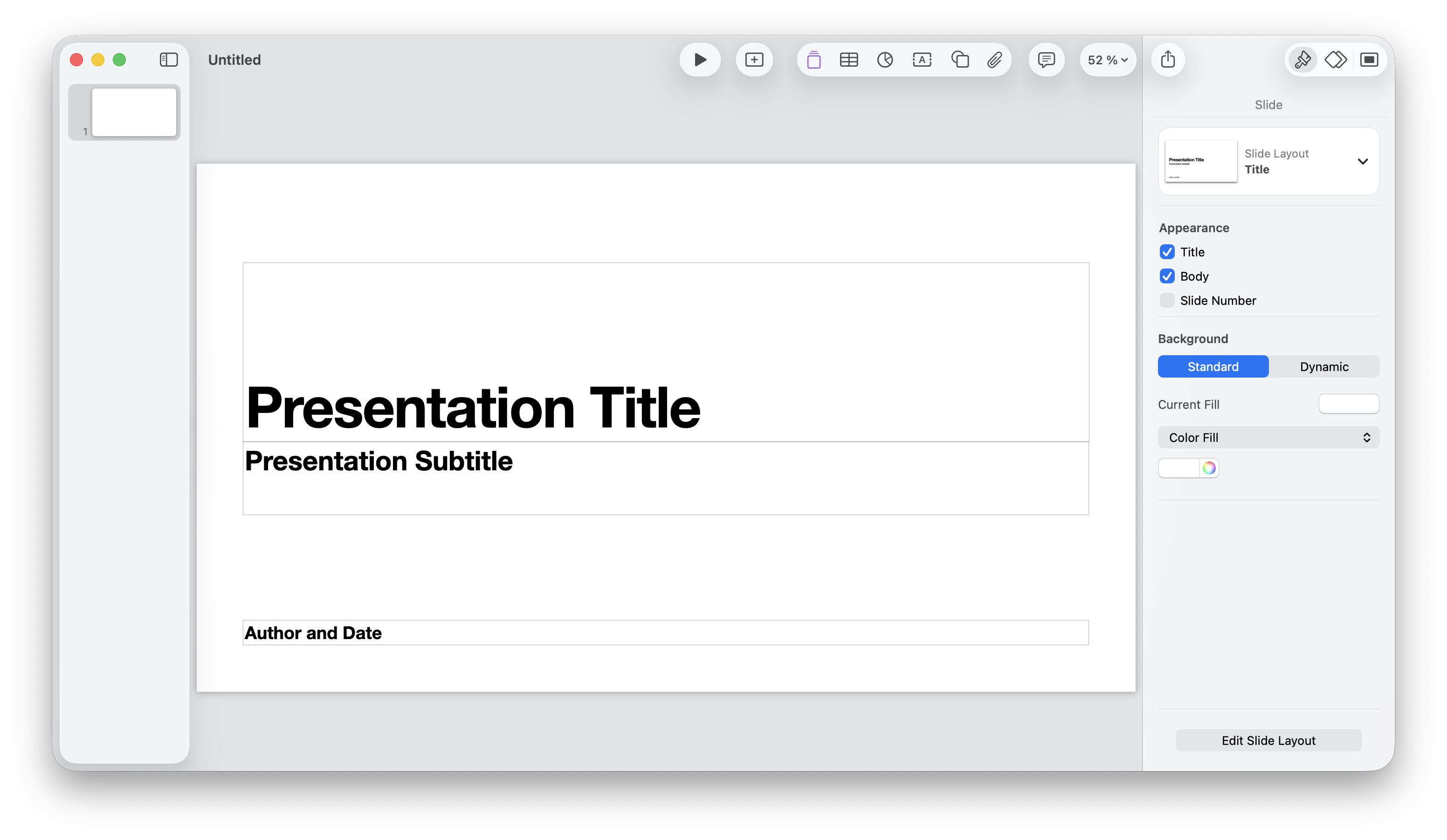
I have found that all premium features are removed from view, regardless of whether you are logged in with a Personal Apple Account.
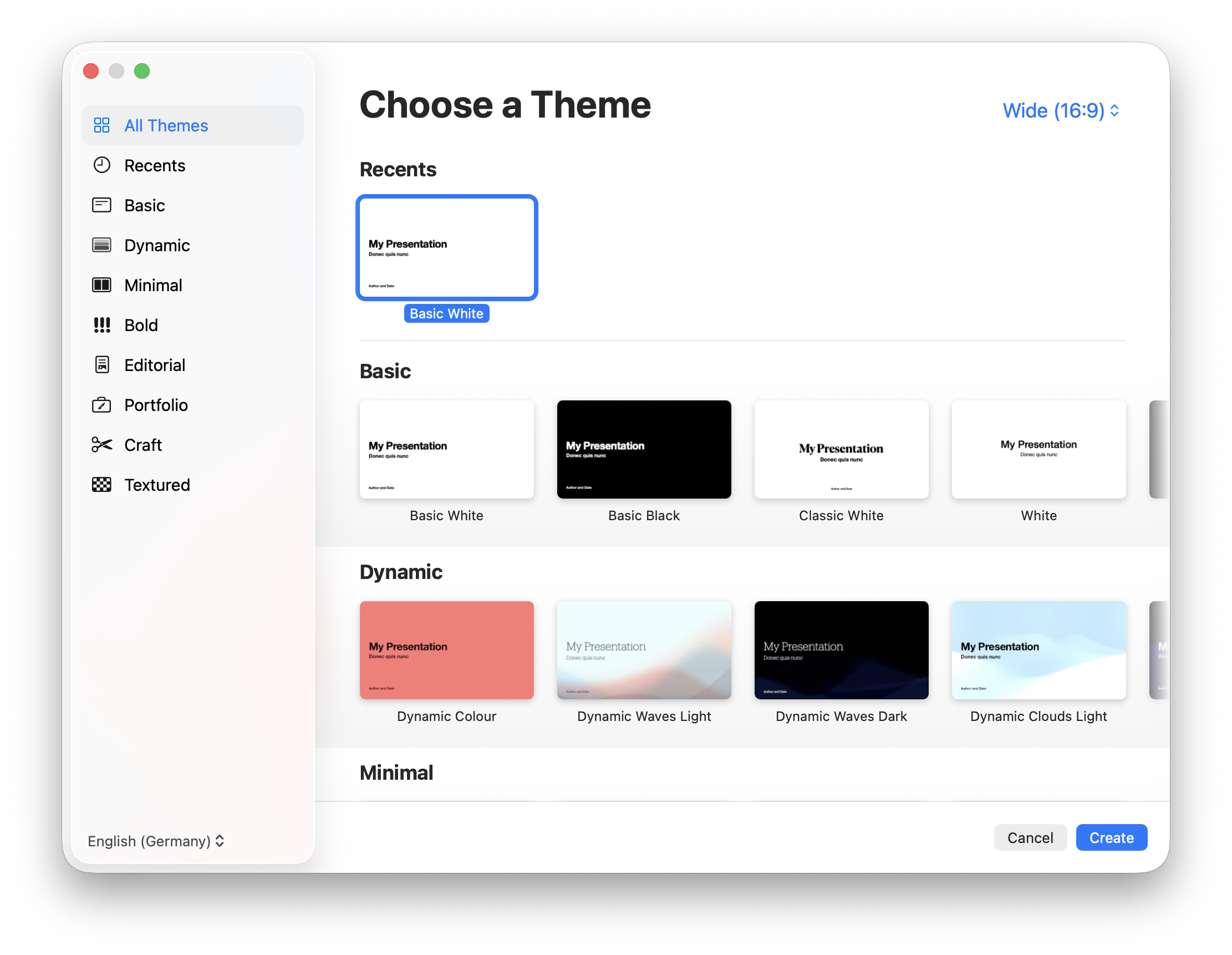
So, it look like this is a useful configuration for all organisations deploying managed versions of Keynote, Numbers, and Pages.
Conclusion
Hopefully, deploying the managed preferences for Keynote, Numbers, and Pages will reduce confusion for users of these apps until such time that Apple figure out a way of organisations purchasing subscriptions for their app services.
The three former iWork apps are the only apps I’m currently aware of where AppConfig could be used to provide configurations, so I don’t know if any other apps could also use MCX-style managed preferences to configure them. If you have come across any of these universal apps that require any sort of configuration, I’d be interested to know if it works.